A free online MVR viewer and editor — open a lighting scene in the browser, explore it in 3D, fix the patch and profiles, and catch problems before the file reaches a console. Nothing to install, no account.
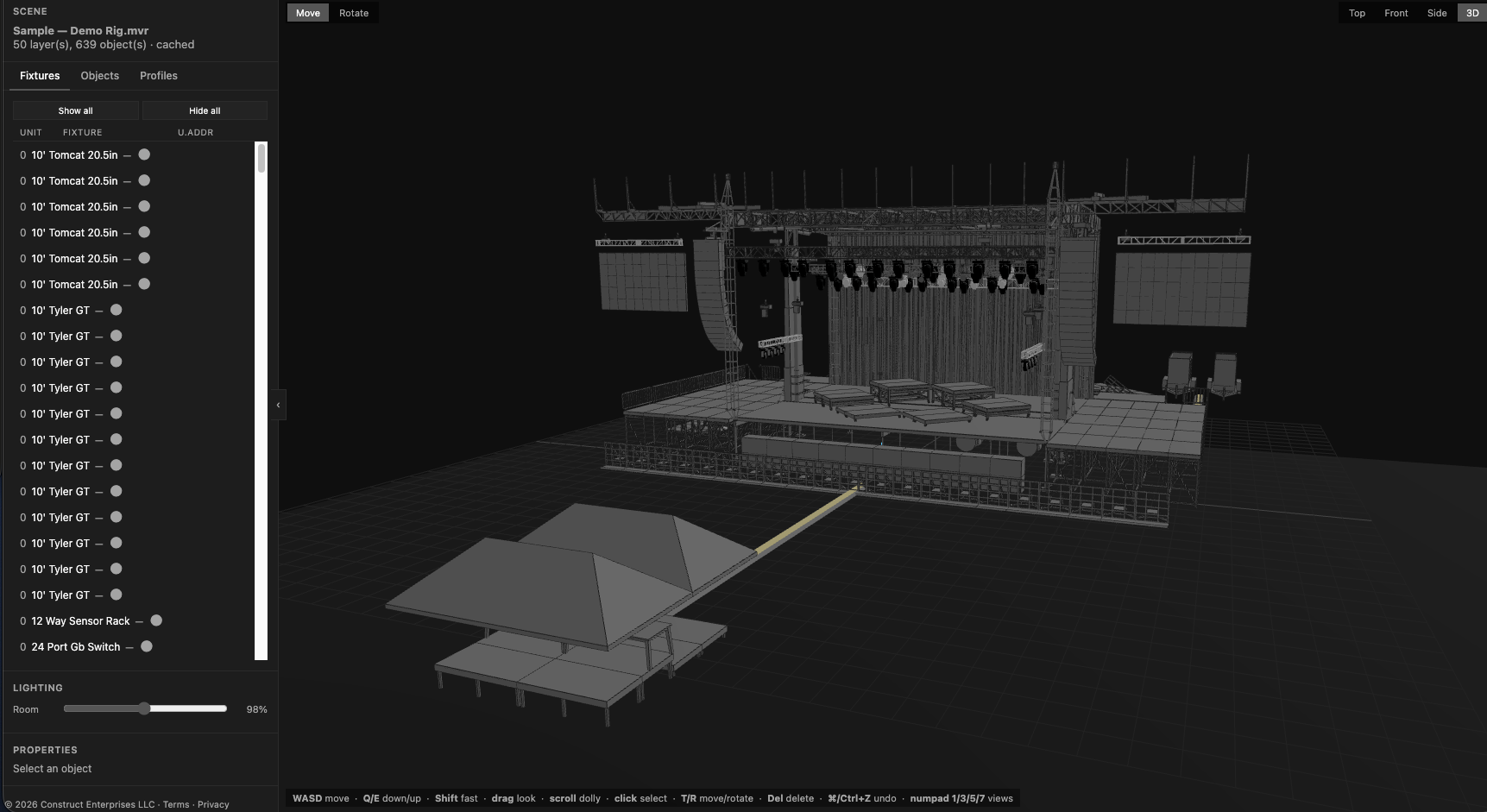
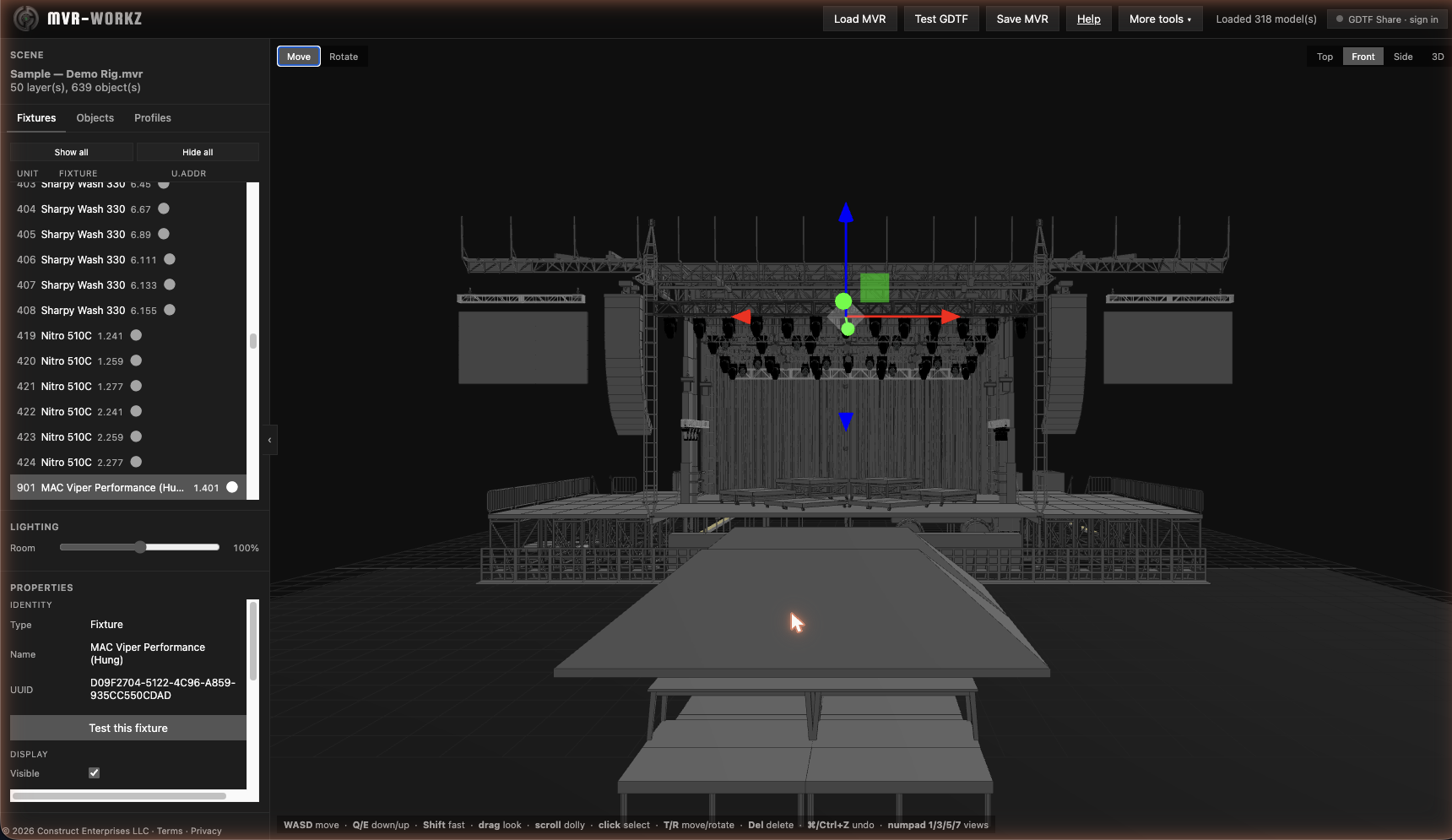
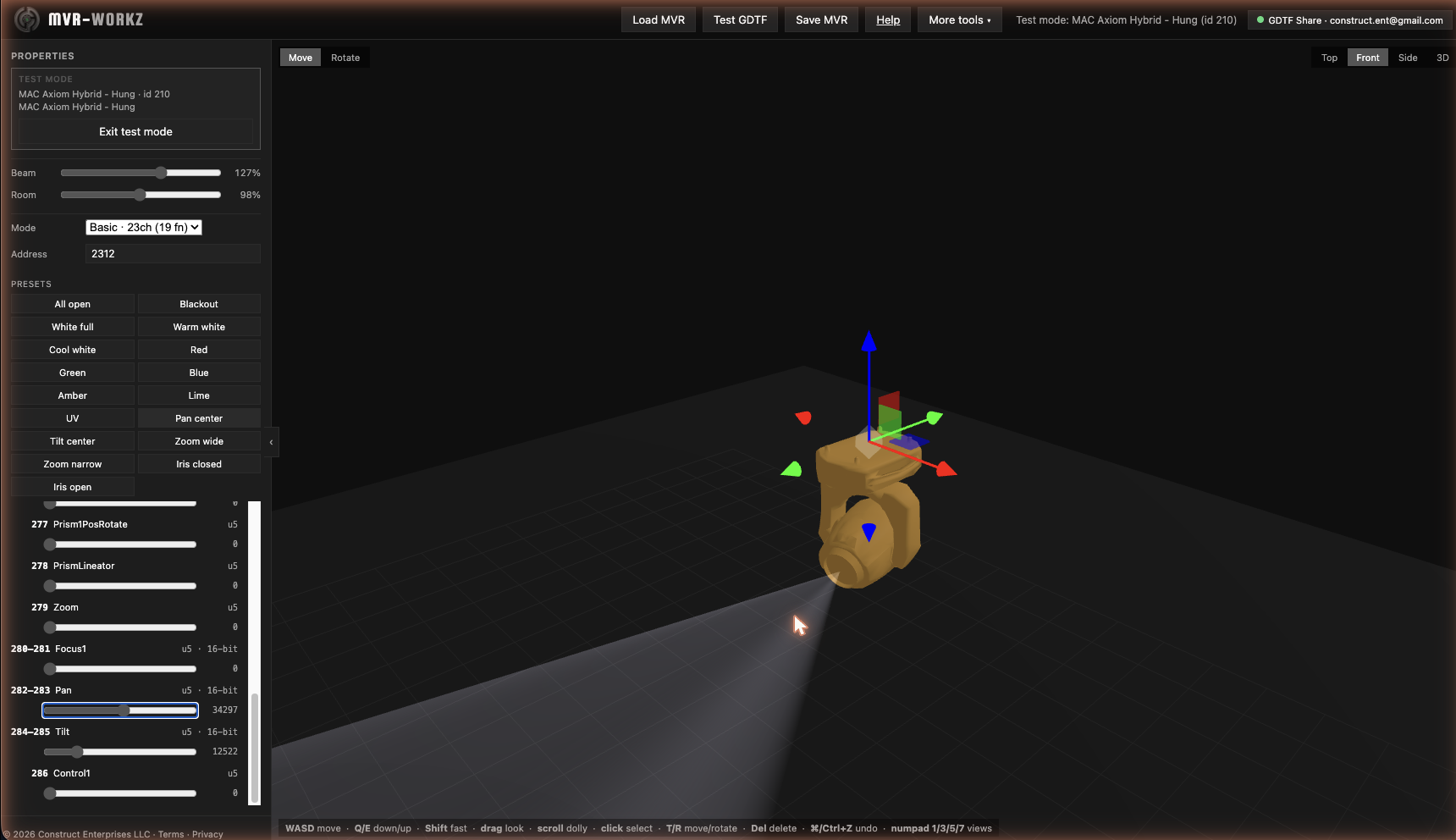
Open an .mvr and walk the whole scene in 3D — nothing to install.
The biggest additions this fall.
Flags address overlaps, missing or placeholder profiles, modes that don't exist, unpatched lights, and duplicate IDs. It re-checks as you edit and prints as a report.
Load the older file and see what was added, removed, moved, or re-patched. Show only the changes in 3D, or print the list.
Moves, rotations, patch edits, mode changes, and deletes all step back and forward, and the app warns you before you lose unsaved edits.
Top, Front, and Side views drawn without perspective, with fixture labels by unit, ID, address, or name.
Show or hide whole layers and classes in a click, so the roof stays out of the way of your plan view.
Click two points for a reference distance in metres and feet, then export the view as an image.
 CONSTRUCT